How to Connect Your Yamaha Disklavier to Wi-Fi and the Internet
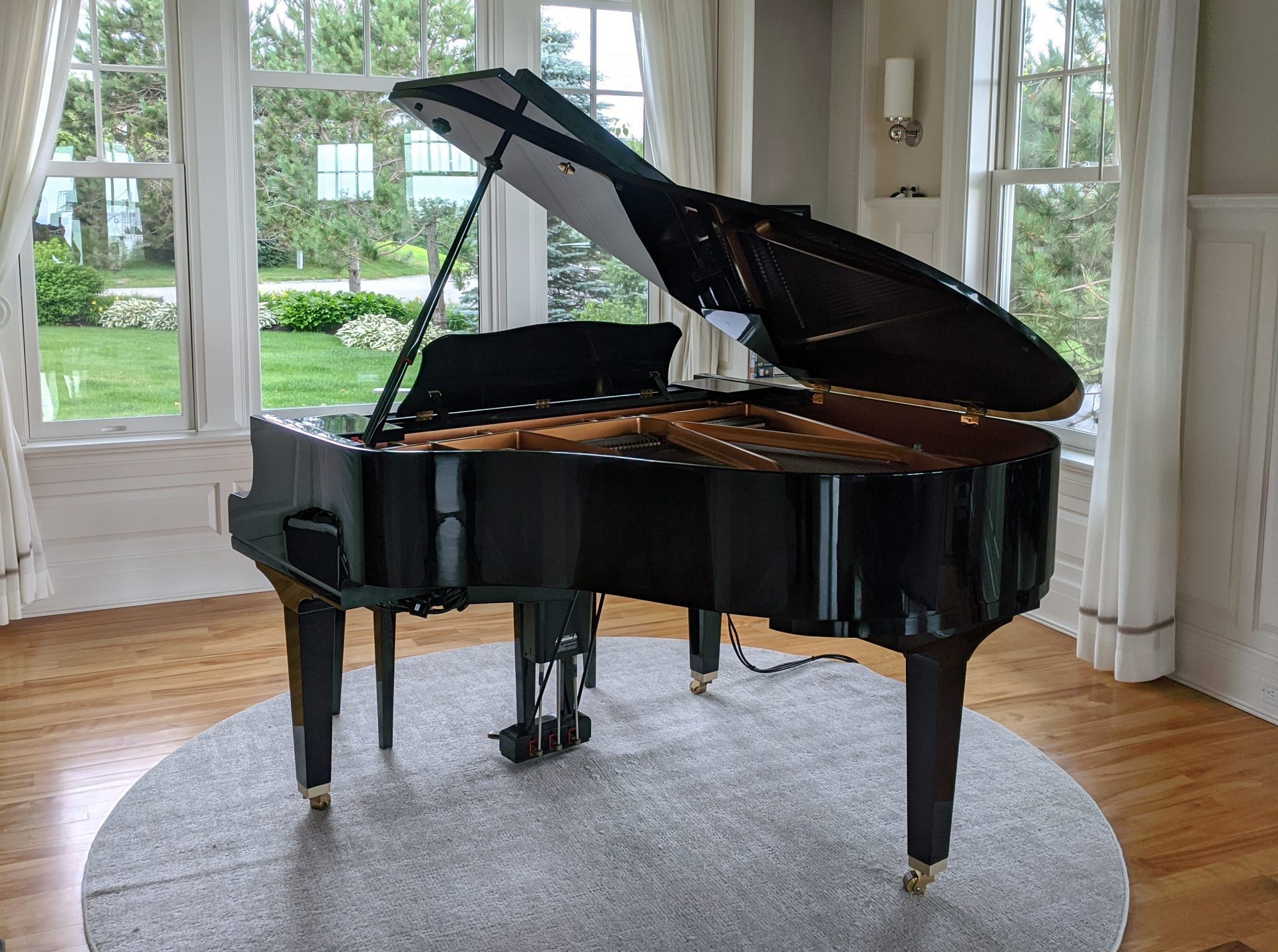
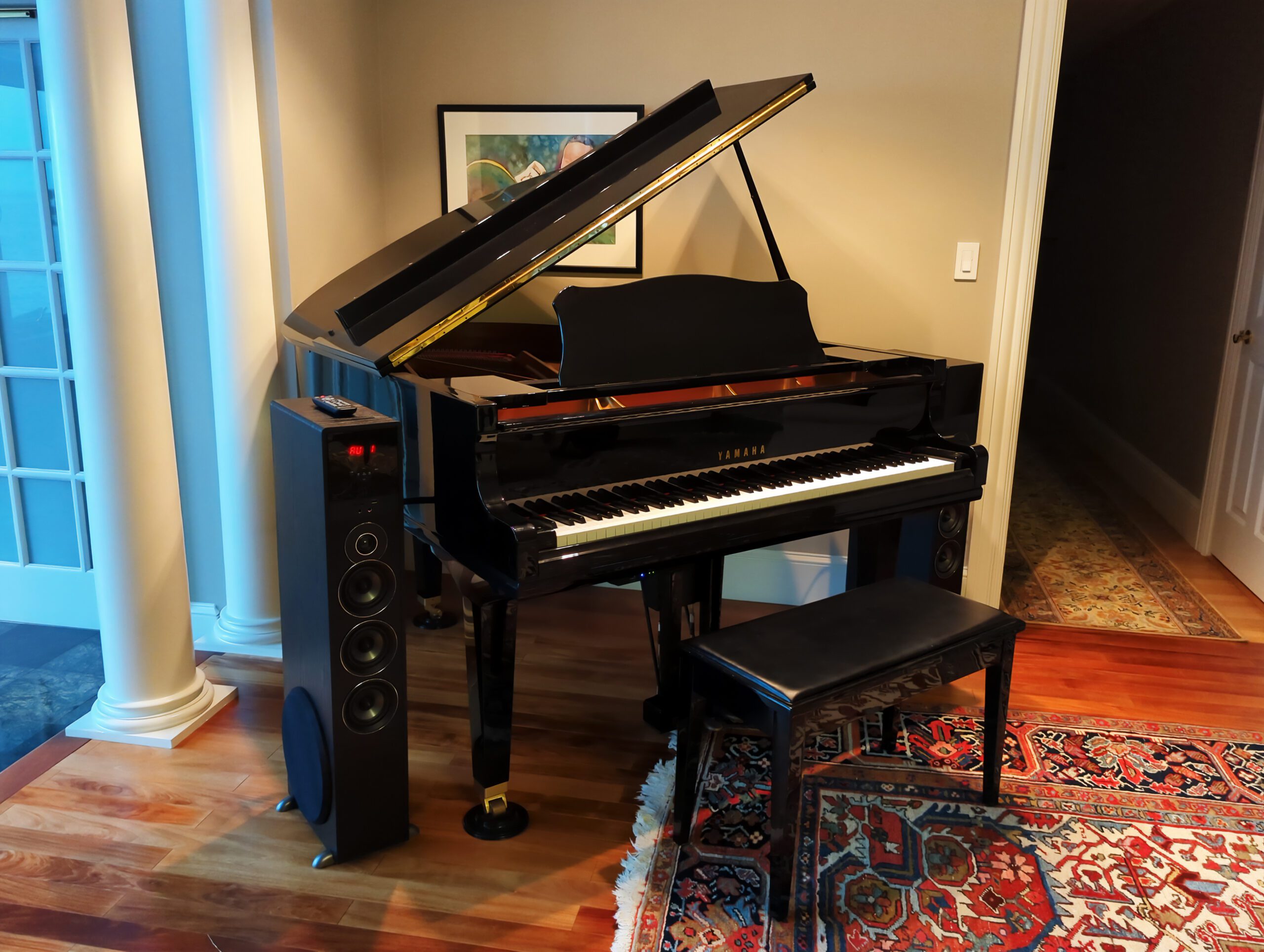
As an authorized Yamaha Service Center, I’m often asked how to connect Disklaviers to the local network. I believe this updated approach is quite simple, inexpensive, and will allow for higher connection speeds as Yamaha’s technology advances. This is the approach I trust in my customers’ homes. Previously, I used Powerline adapters to connect Disklaviers. … Read more

PianoStream: Streaming Upgrade for Digital Player Pianos

If you own a Yamaha Disklavier Mark I, II, II XG, or Mark III, you’ve probably noticed that official upgrade paths are limited. The DKC-900 upgrade doesn’t support these models, and the DKC-850—once a lifeline—has now been discontinued for years. But now, PianoStream can offer your older Disklavier renewed life! PianoStream is an easy, affordable … Read more

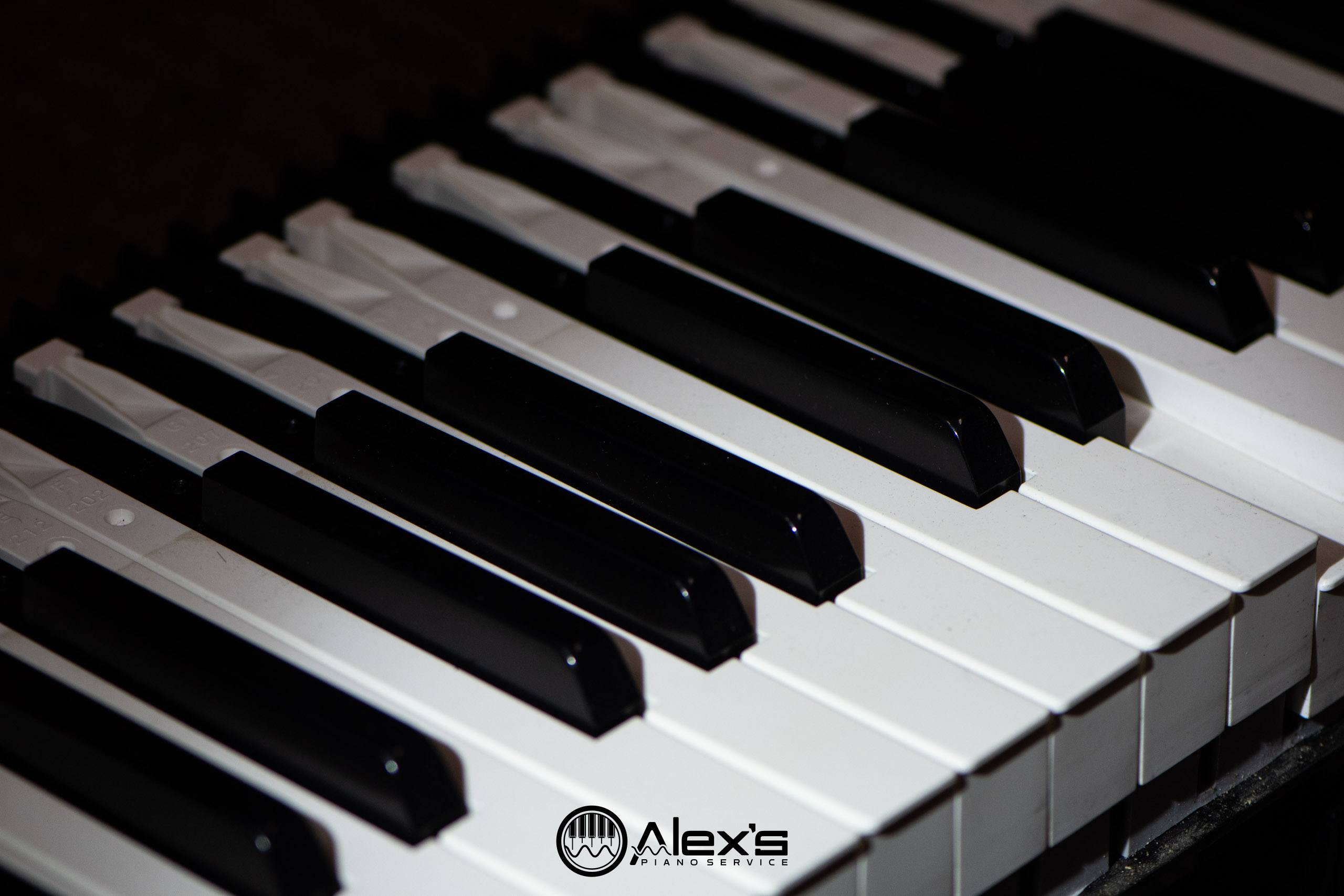
Yamaha Clavinova with Sticking Keys: What’s Going On?

If you own a Yamaha Clavinova from the early 2000s and you’re noticing some sticking keys or sluggish response, you’re definitely not alone. As one of the few authorized Yamaha Service Centers here in Maine, I get this call a lot. Unfortunately, it’s a design flaw from that era that eventually affects these otherwise excellent … Read more

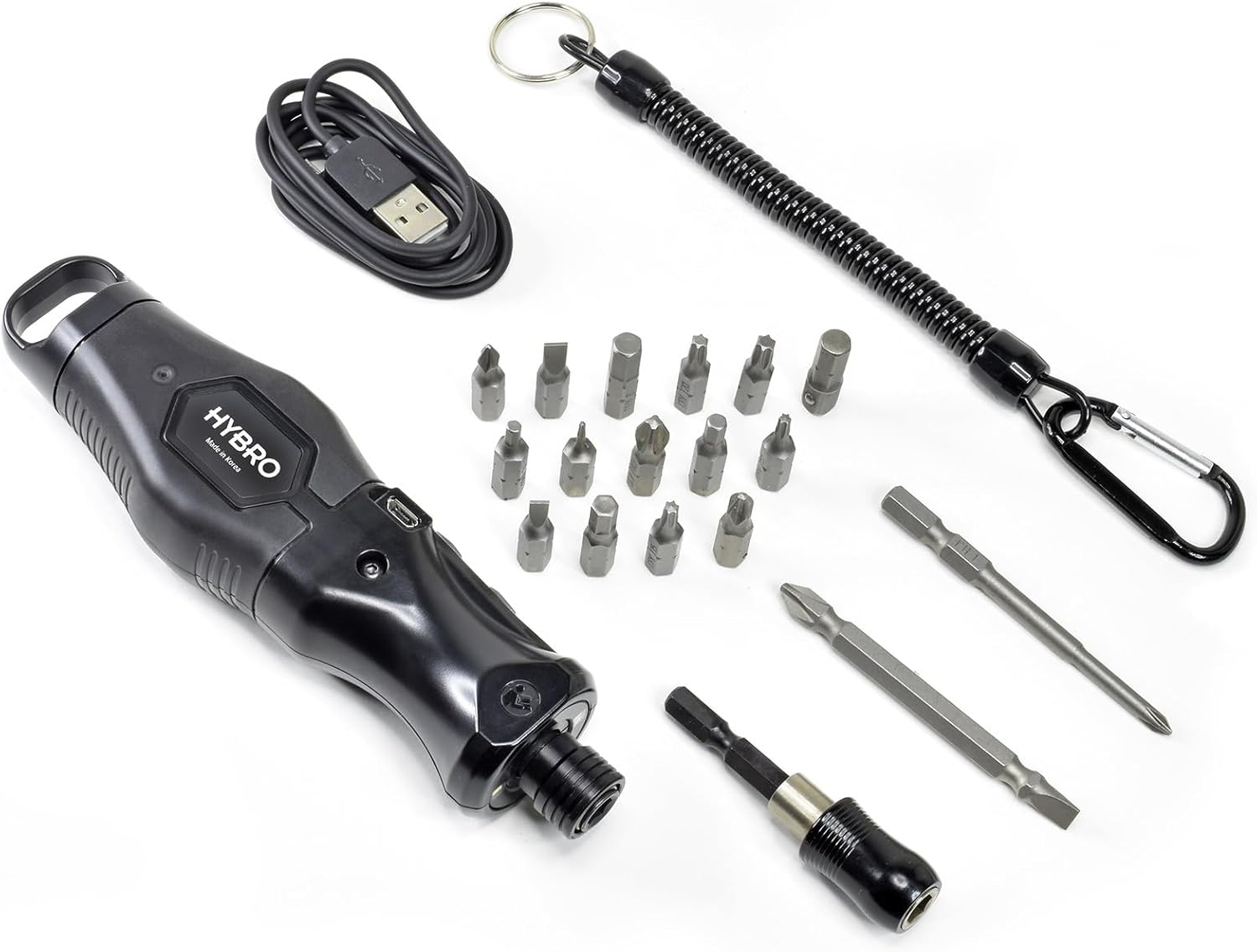
Micro-Mark HYBRO 400 Power Driver

When it comes to digital piano repairs, especially on Yamaha’s P series models, one thing’s for sure: There are a lot of screws! To open the plastic shell of a Yamaha P series digital keyboard, there are no fewer than sixty screws. Some of Yamaha’s DGP series keyboards have even more. This means just opening … Read more

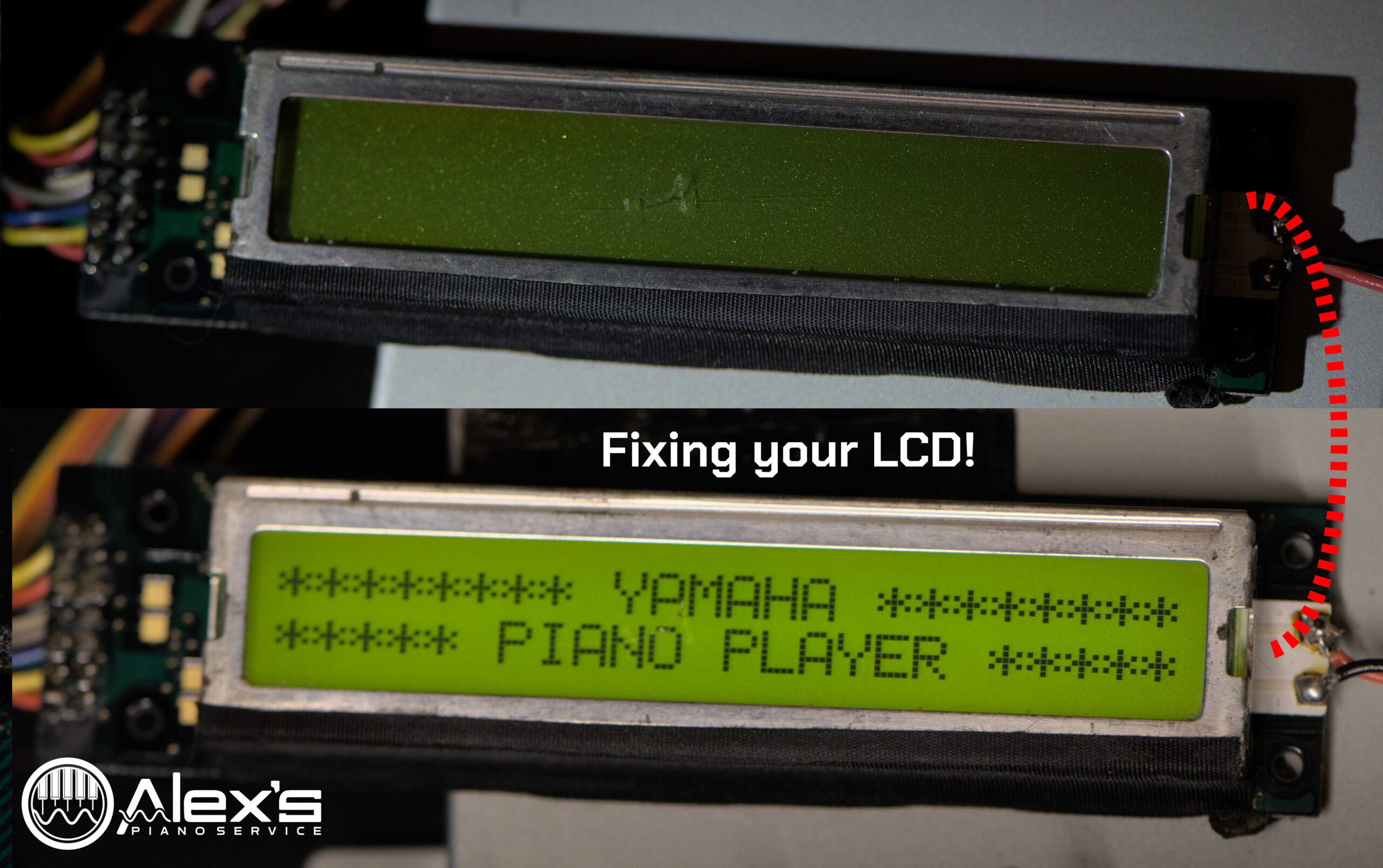
Replacing your Blank LCD Screen in Earlier Disklaviers

A blank LCD screen can render your Yamaha MX-100II Disklavier nearly unusable. You can replace these with brand-new LCD screens, which are still available. In the MX-100II and HQ-100SX, this is Yamaha part VN635201, although it differs for other units. As of , the screens are not available on Yamaha 24×7—it appears they stopped listing … Read more

Recording with the Nalbantov: The Truly Blank Disk!

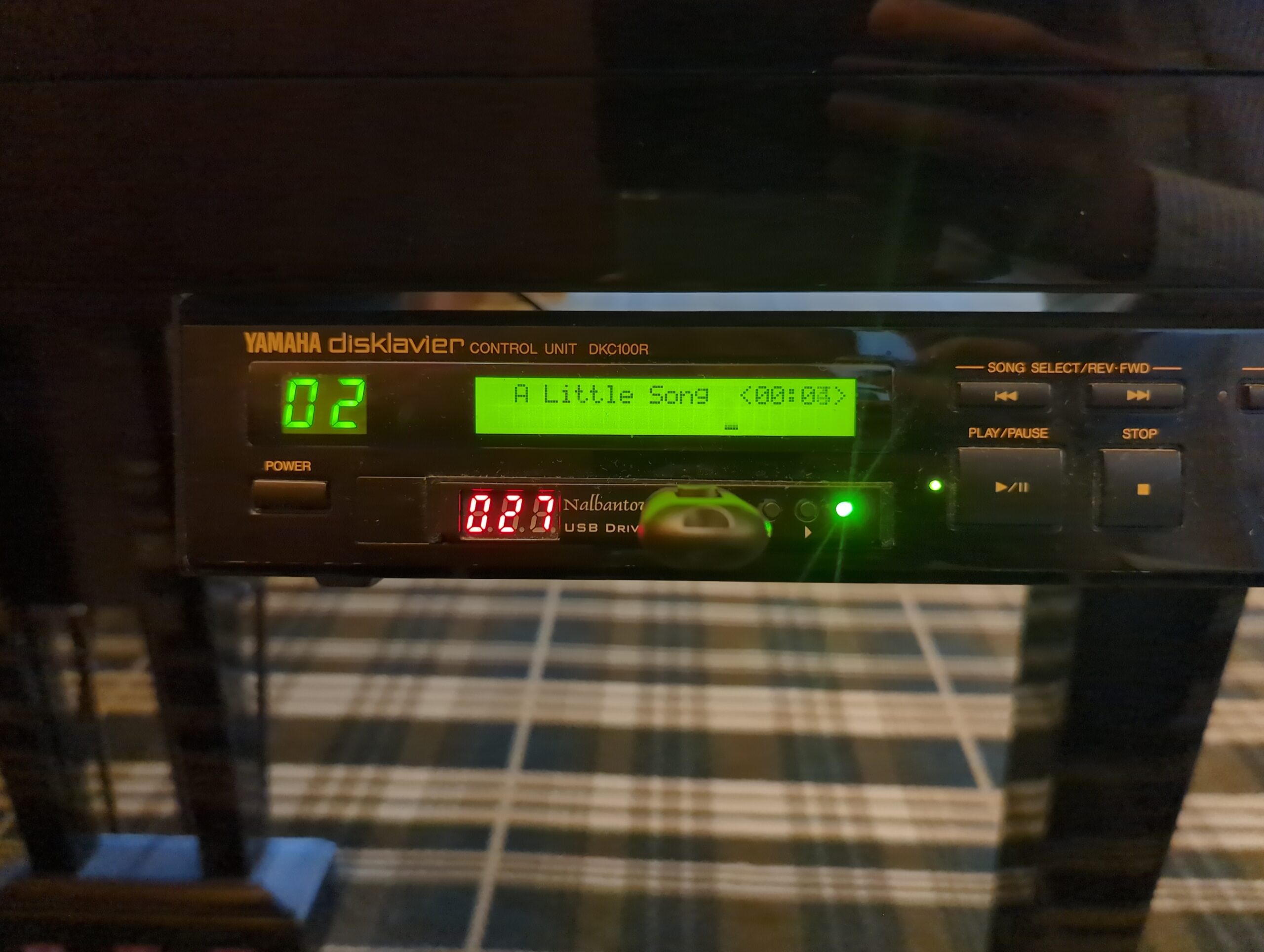
In short, you probably want to download my blank virtual disk file for the Nalbantov or other emulators. These work on your Disklavier—specifically the Marks I and II—and on your computer. If you have an early Disklavier model like the DKC5R or DKC100R, you might have decided to install a Nalbantov floppy emulator in place … Read more

Yamaha CLP-370 with Sticking, Clunking, and Dead Keys

Today I’m sharing a few pictures of a repair on a Yamaha CLP-370 with sticking keys, clunking sounds, and dead keys. But this could happen on most Yamaha Clavinovas. See my Digital Keyboard FAQ for more! Hammer Rest Felt (Sticking and Clunking) One of the most common complaints I receive from customers is that their … Read more

Upgrades for your Yamaha Disklavier—Where to Start?

This list is designed to help you understand the upgrade options for your Yamaha Disklavier. It can be confusing, so start here! As an authorized Yamaha Service Center, I receive this question often, both from local customers here in Maine and from visitors to this site. No matter what model of Disklavier you have, it’s … Read more

Premium Yamaha Disklavier MIDI Files (and E-SEQ): Best Download Sources

If you have a suggestion, please send it in to [email protected] or reach out through my contact form. If you’re looking for free music for your Disklavier, please see my list of free sources of songs and MIDI files. These options are all paid. Yamaha MusicSoft for Disklavier Yamaha MusicSoft is the largest and most … Read more

Can My HQ-100 or MX-100II Play MIDI Files?

The MX-100II (and its Japanese counterpart, the HQ-100) is typically not able to play MIDI files from floppy disks, using instead Yamaha’s proprietary E-SEQ format. I have several articles on transferring your Disklavier floppy disks and converting MIDI files to E-SEQ. However, while putting together a compatibility table for Disklaviers, I had multiple indications the … Read more